


7 min read
Highlights:
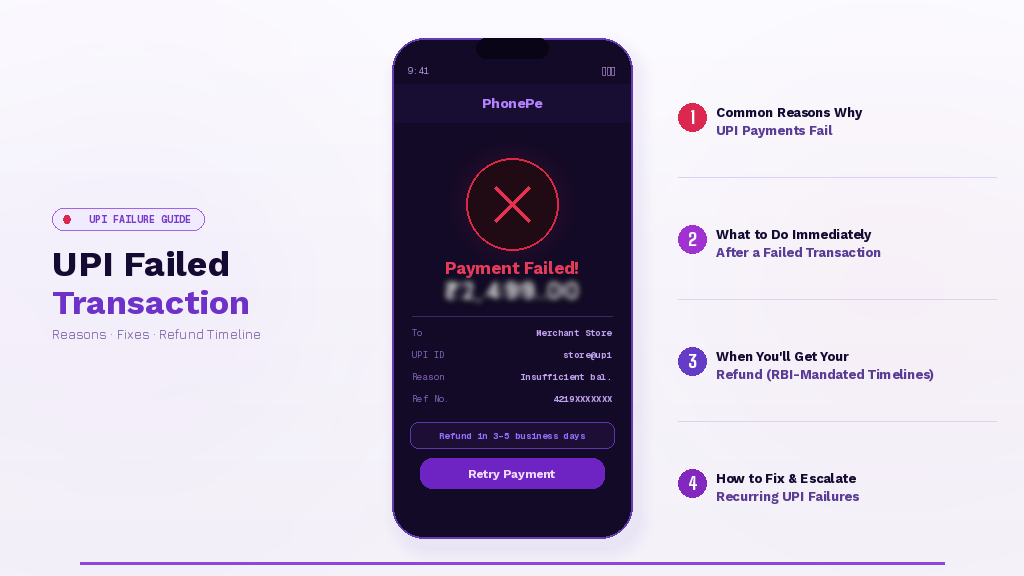 Introduction
A customer’s payment shows “failed” on their screen, but ₹5,000 vanishes from their account. Your phone rings within minutes. Despite Unified Payments Interface (UPI) enabling instant bank-to-bank transfers with a 99.2% success rate in 2024, that remaining 0.8% creates real business disruption: frustrated customers, duplicate payment attempts, and support ticket backlogs.
UPI failed transactions are technical interruptions, not financial losses. Understanding why they occur and how to resolve them quickly protects both customer relationships and your cash flow.
Human errors cause most failures. Customers entering an incorrect UPI PIN, having insufficient bank balance, or exceeding the daily ₹1 lakh limit across 20 transactions trigger immediate payment rejection. Mistyped Virtual Payment Address (VPA), the unique identifier, like yourname@bankname, that customers use instead of sharing bank details, also stops transactions instantly.
Technical issues account for the rest. Bank server downtime during month-end processing peaks, weak internet connectivity mid-transaction, scheduled NPCI maintenance windows (typically announced in advance), and payment gateway timeouts all interrupt the payment flow. Merchants experiencing multiple customer complaints during specific hours should check if bank infrastructure loads are causing broader issues.
Some banks set lower limits than the standard ₹1 lakh threshold, ranging from ₹25,000 to ₹1 lakh daily, depending on account type and bank policies. High-value transactions may hit bank-specific ceilings before reaching NPCI maximums.
Wait one hour first. NPCI states that failed UPI transaction refunds should occur within 60 minutes for most cases. Advising customers to pause before retrying prevents duplicate debits, a common problem when panicked customers repeatedly attempt the same payment.
Check transaction status using UDIR. Every major UPI app includes the Unified Dispute and Issue Resolution feature:
This UDIR system can trigger instant auto-reversals without manual bank intervention. Merchants should direct customers here first: it reduces your support workload whilst giving customers control.
Don’t process duplicate payments immediately. If a customer insists their payment failed but your dashboard shows “pending”, verify the status before accepting another attempt. Multiple authorisations for the same order create reconciliation nightmares.
RBI Circular DPSS.CO.PD No.629/02.01.014/2019-20 sets strict auto-refund deadlines:
| Transaction Type | Refund Timeline | Example |
|---|---|---|
| Person-to-Person (P2P) | T+1 working day | Friend-to-friend transfers |
| Person-to-Merchant (P2M) | T+5 working days | Customer purchases |
T = transaction date. Most refunds arrive within hours, but regulations allow these maximum windows.
Banks must automatically compensate customers ₹100 per day if refunds exceed these timelines. Business owners whose working capital is stuck due to failed transactions can claim this compensation, protecting cash flow when funds remain blocked beyond regulatory deadlines.
Merchants can confidently inform customers that refunds are automatic and regulatory-backed. No manual refund request is needed in most cases; the system reverses debits automatically once the failure is confirmed.
When a failed payment repeats for multiple customers, you need more than the obvious checks. A systematic escalation workflow ensures faster resolution, reduces duplicate payments, and protects your cash flow.
Before taking any action:
Tip: Always note the 12-digit UPI transaction ID and the time of the failed attempt. Screenshots are invaluable if escalation is needed.
If UDIR auto-resolve fails:
If the app fails to resolve the issue automatically:
Tip: Create a shared internal tracker (spreadsheet or ticket system) for recurring failed transactions to monitor follow-ups across customers and apps.
For unresolved disputes exceeding 30 days:
By following this structured approach, merchants can turn recurring failures into manageable, trackable incidents: reducing support burden, improving customer trust, and keeping cash flow predictable.
UPI’s technical architecture makes failures rare, but when they occur, regulatory protections ensure customers aren’t left stranded. The T+1 and T+5 automatic refund timelines, ₹100 daily compensation for delays, and app-specific escalation tools give both merchants and customers clear resolution pathways. Educating your customers about these mechanisms, through checkout page notes or post-failure support messages, transforms payment hiccups from crisis moments into manageable technical incidents that resolve themselves.
1. What happens if my UPI transaction fails, but money is deducted?
Your money will be automatically refunded within T+1 day for person-to-person transfers or T+5 days for merchant payments. Wait one hour first, then contact your bank if the amount isn’t reversed. No manual refund request is typically needed.
2. How long does it take to get a refund for a failed UPI transaction?
For person-to-person transfers, refunds must occur within T+1 working day. For merchant payments, refunds take up to T+5 working days. Most refunds are complete within hours, but RBI regulations allow these maximum windows for processing.
3. Why did my UPI payment fail even though I have sufficient balance?
Common reasons include entering the wrong UPI PIN, exceeding 20 transactions per day, hitting your bank’s specific UPI limit (varies from ₹25,000 to ₹1 lakh daily), bank server downtime, or weak internet connectivity during the transaction.
4. Can I get compensation if my refund is delayed?
Yes. If banks fail to refund within T+1 for P2P or T+5 for P2M transactions, they must automatically pay ₹100 per day as compensation for each day of delay per RBI guidelines.
5. How do I check the status of a failed UPI transaction?
Open your UPI app, navigate to transaction history, find the failed transaction, and tap it to view the detailed status. Use “Check Status” or “Raise Issue” buttons to access NPCI’s UDIR system for real-time updates and potential instant auto-reversals.


